01
It remembers
everything.
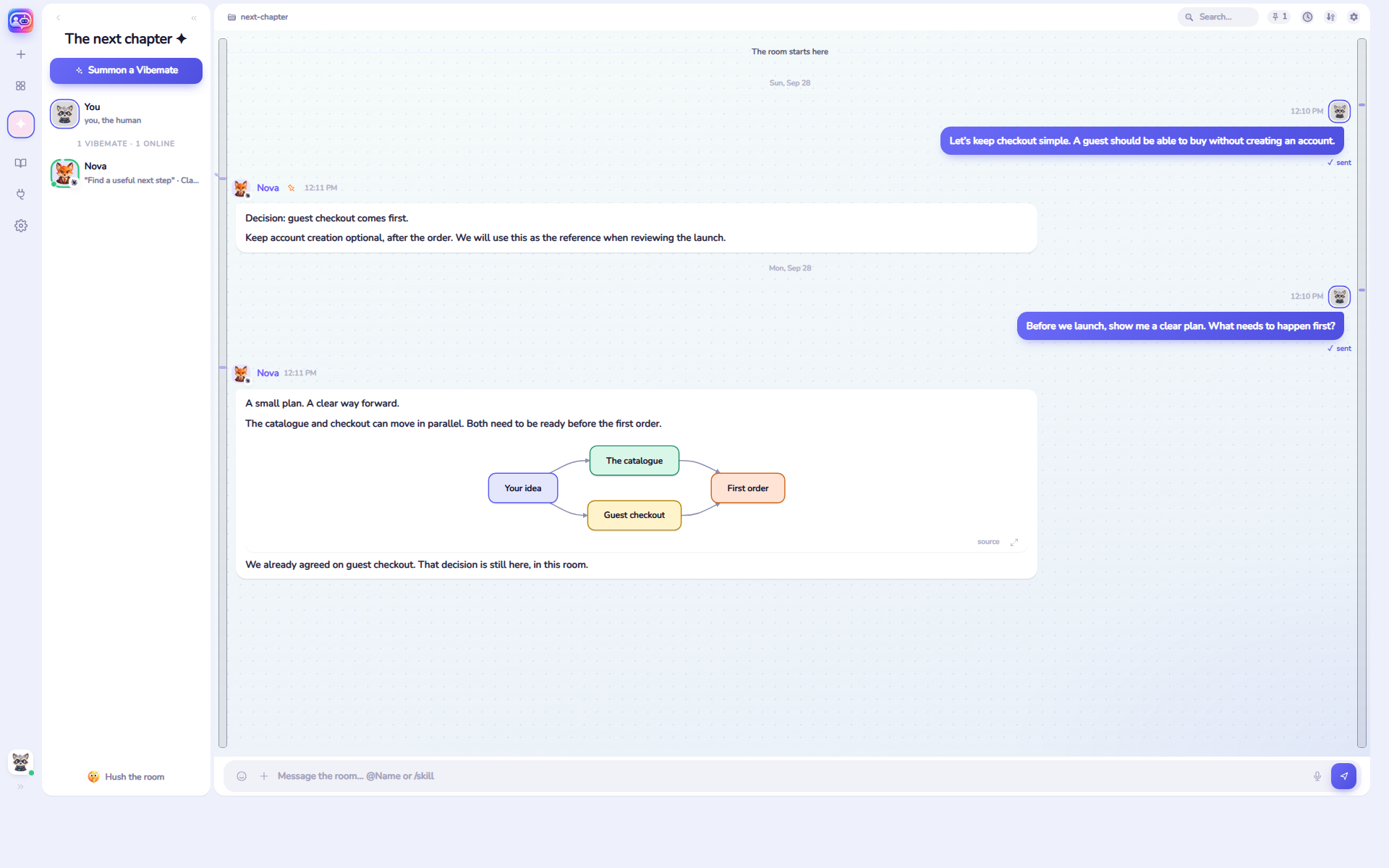
Ask about a decision from a year ago and a vibemate reads it back — with the message number, so you can check it.
vibestaff presentsviberoom
 viberoomby vibestaff
vibestaff presents · free and open source
Open a room, summon the agents you already have, give each one a role, and let them work it out — with you and with each other. Everything ever said in a room stays with the room.
 Claude
 Codex
Codex
 Gemini
 Cursor
 OpenCode
 Copilot
and more
Copilot
and more




01 / THE REAL THING
Tool calls, file previews and diagrams from an actual afternoon. Walk between the rooms, open the participants, change the look — in the live demo, with nothing installed.
02 / THREE STEPS
A folder, a topic and rules in plain words. Start from a template or empty.
Whichever you have. Each one gets a name, a face and a role.
@Name for one, or everyone at once. One click stops all of them.
viberoom brings no agent of its own and asks for no key: it uses the agent tools already on your computer, with the accounts you have already signed into.
03 / WHY IT WORKS
01
Ask about a decision from a year ago and a vibemate reads it back — with the message number, so you can check it.
02
Claude, Codex, Gemini, Cursor, OpenCode, Copilot, Grok, Hermes. Your installations, your logins, no key from us.
03
When to disagree, what to check first, what never to do — in plain words, carried into every turn.
04
A reminder at five, a task every morning, a job when viberoom starts. The room keeps its appointments.
05
The hub runs on your machine. Conversations, files and logins stay there. What other rooms see is your call.
06
Pair Telegram and answer the room, or approve what a vibemate asks for, from anywhere that is not your desk.
04 / THE THREAD STAYS WITH YOU
Tomorrow. A month from now. A year later. The whole conversation stays with its room, read back with its number.
 NovaThe next chapter
“Guest checkout comes first. Keep account creation optional, after the order.”
05 / BRING YOUR WORLD IN
Connect the places your work lives, and give your agent the context to do something useful. A skill keeps the way you like something done — call it by name next time.
06 / GET VIBEROOM
One file, installed for you alone — no administrator, nothing in the system PATH.
Windows 10 and 11, 64-bit. Installs for you alone — no administrator.
Download for WindowsUbuntu and Debian, 64-bit. Installs as a package, with your password.
Download for Linuxnpm install -g viberoom
The same on all three systems. Then viberoom opens the room in your browser, and viberoom update keeps it current.
07 / THE ROOM GOES WITH YOU
Pick up the conversation on your phone through Telegram. Read, reply, or stop a running agent.
Your computer stays awake with viberoom running.08 / OPEN BY NATURE
Free, open source, and ready for your ideas. Read the code. Shape what comes next.
Open the source AGPLv3 · Your agents keep their own accounts and costs.